


Member Zone Hub
 Open menu
 Close menu
Welcome to the Member Zone Hub!
Find everything you need to know for your upcoming games in the Member Zone.
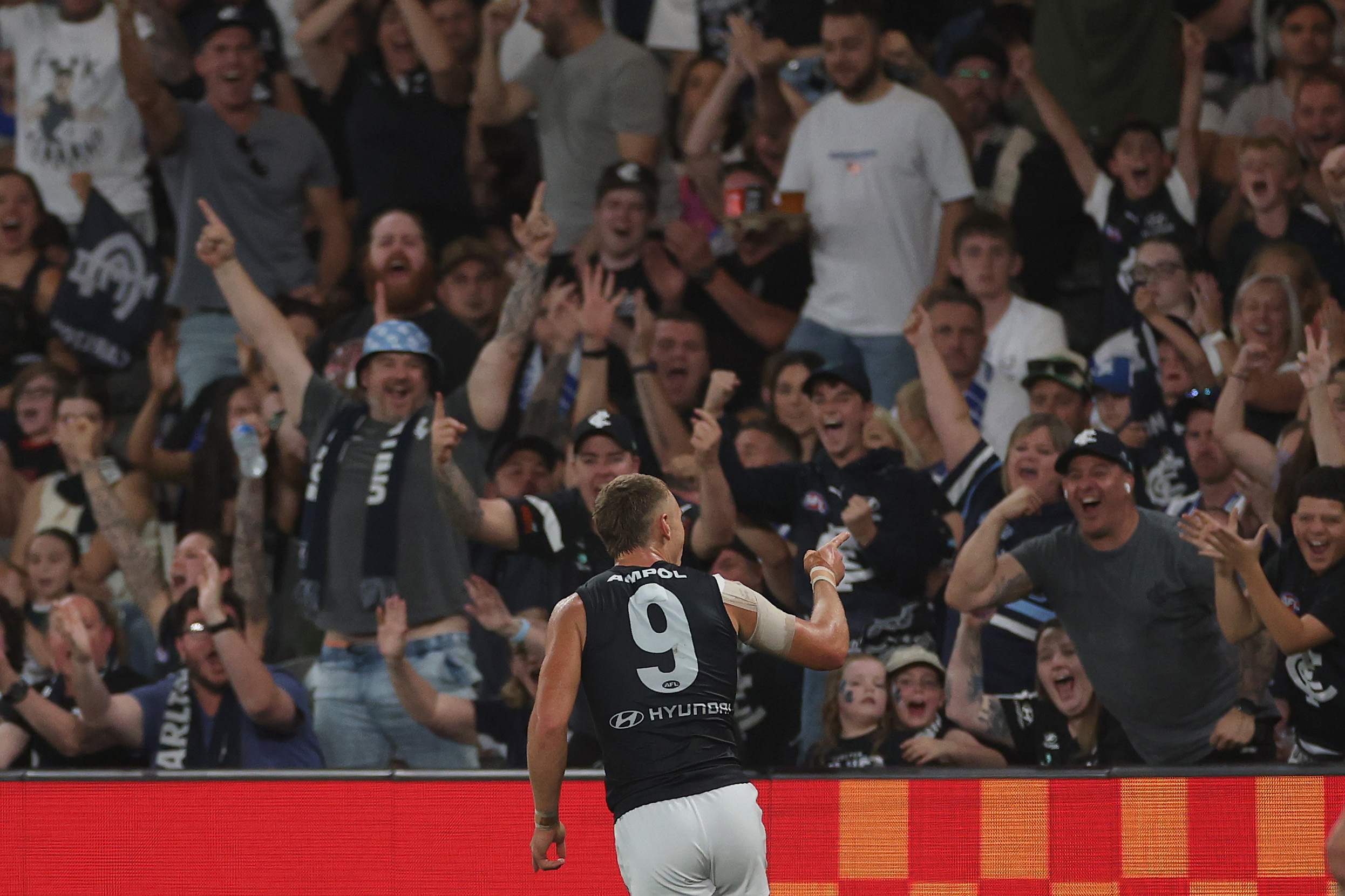
2. YOUR DIGITAL TICKET — FAST ENTRY
Your Member Zone ticket is already in your Carlton account. No need to print — just bring your phone to Marvel Stadium.
Step-by-step:
Step 1: Download the Carlton App
Step 2: Add to Mobile Wallet
- Open the Carlton App and tap "Members" (bottom navigation)
- Select "Mobile Membership"
- Log in with your Carlton email address
- Select your ticket and tap "Add to Wallet" (Apple Wallet or Google Pay)
Step 3: Scan at the Gate
- Arrive with enough time to find a seat and get through the gates.
- Open your saved ticket on your phone
- Tap at the scanner — you're in
Pro tip:
Tickets are available 96 hours before bouncedown. Already logged in? Log out and back in to refresh your app with your 2026 passes.
Backup option:
No smartphone? No worries. Screenshot your ticket, email it to yourself, or contact Member Services on 1300 227 586 for a printable PDF.
Digital Ticketing Help:
Full mobile ticketing guide
MEMBER ZONE SEATING — WHERE YOU'LL SIT
Member Zone members have access to dedicated bays on Level 1 at Marvel Stadium. Two options: scan in and sit with the crowd, or upgrade to a reserved seat for guaranteed placement. There is no requirement to upgrade to a reserved seat.
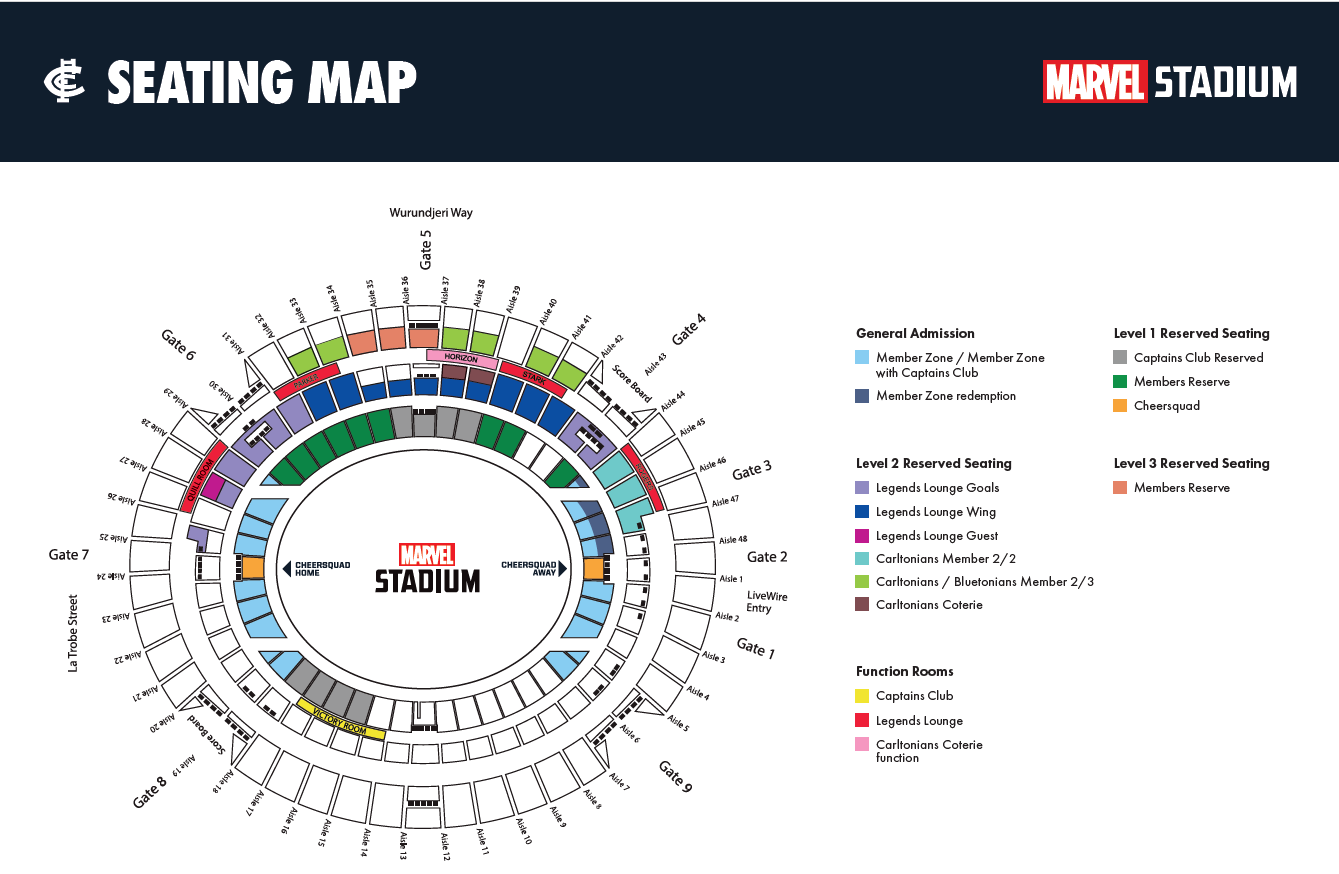
Your Member Zone Bays:
- Level: 1
- Aisles: 20–24 and 26–29
- Entry: Scan your membership card or digital ticket at any gate
- Facilities: Full access to concourse, food, drinks, merchandise, and amenities
Option 1: Walk-Up Seating (Free)
Scan in with your membership card or digital ticket and sit in the Member Zone general admission area. First come, first served. Best for early arrivals.
Option 2: Reserved Seat (Paid)
Upgrade to a reserved Level 1 seat at Member Zone rates:
- Adults: $15
- Juniors: $5
How to Reserve:
- Log into your Carlton account
- Go to Get Tickets
- Enter your 12-digit barcode number (Available in your account)
- Select your game and reserve your seat
- Done — you're locked in, whether you arrive early or at quarter time





My items
You have not looked at any packages recently.
There are no featured packages.